
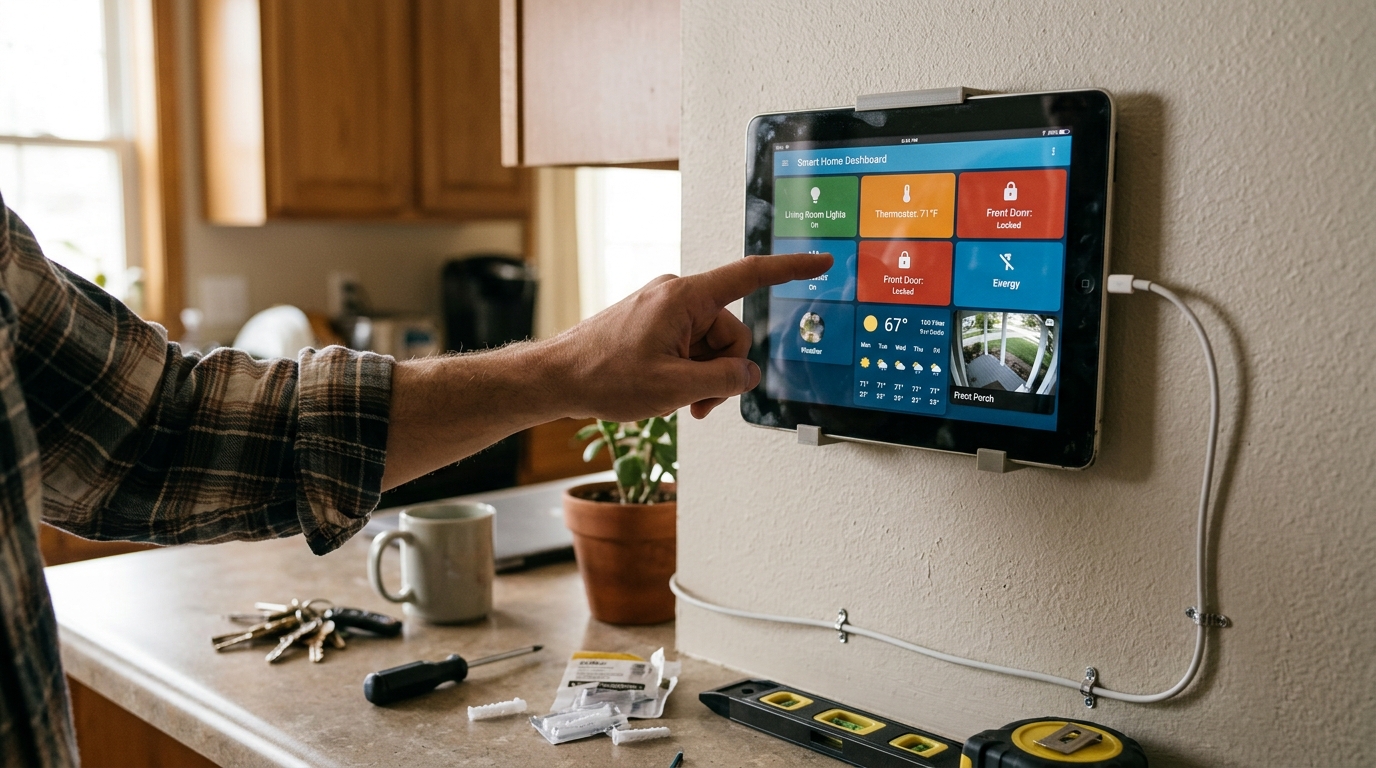
Are you looking to bring new life to that old tablet lying around your home? Imagine transforming it into a powerful tool that helps you control and monitor your smart home devices effortlessly. In this post, we will guide you through the process of building a custom dashboard on your old tablet, turning it into a central hub for managing your smart home ecosystem. Join us on this exciting journey of repurposing technology and enhancing your living space with just a few simple steps.
Assessing Your Old Tablet
When evaluating your old tablet for repurposing as a smart home dashboard, there are several key factors to consider. Begin by assessing the physical condition of the device, checking for any damage or hardware issues that may affect its performance. Next, evaluate the software and operating system to ensure compatibility with the dashboard apps you plan to use.
Additionally, consider the processing power and memory capacity of the tablet to determine if it can handle running multiple apps simultaneously without lagging. Battery life is another crucial aspect to assess, as you will want a device that can stay powered on for extended periods when serving as a dashboard. By thoroughly evaluating these factors, you can determine if your old tablet is suitable for repurposing into a smart home dashboard.
Choosing the Right Dashboard App
Consider Your Needs: When choosing a dashboard app for your smart home, it’s crucial to consider your specific needs and preferences. Think about the devices you have in your home, the level of customization you desire, and the features that are important to you. Some dashboard apps focus more on visual appeal, while others prioritize functionality and automation.
Compatibility: Ensure that the dashboard app you choose is compatible with the smart home devices you already own or plan to purchase. Check if the app supports popular smart home protocols such as Zigbee, Z-Wave, or Wi-Fi. Compatibility issues can lead to frustration and limited functionality, so it’s essential to do your research before making a decision.
Setting Up Your Smart Home Devices
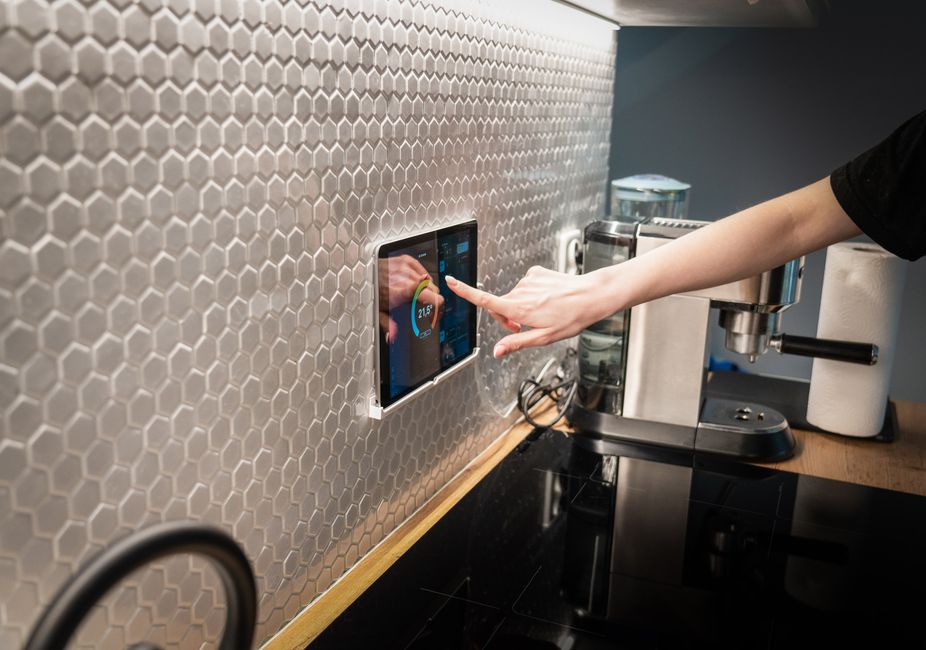
Setting up your smart home devices is an exciting step towards a more connected and convenient living space. Begin by unpacking each device carefully and ensuring you have all the necessary components. Follow the manufacturer’s instructions for each device, which may include downloading a mobile app, creating an account, and connecting the device to your Wi-Fi network. Take the time to set up each device properly to ensure optimal performance and compatibility with your other smart home gadgets.
Creating a Central Hub
Consider investing in a central hub or smart home controller to streamline the management of your devices. A hub allows you to control multiple smart devices from a single interface, making it easier to create routines, automation, and scenes. Popular hub options include Amazon Echo, Google Home, and Samsung SmartThings. Choose a hub that is compatible with the majority of your devices and offers the features you desire for a seamless smart home experience.
Customizing Your Dashboard
Customizing your dashboard is essential to tailor it to your specific needs and preferences. Most dashboard apps offer a variety of customization options, allowing you to rearrange widgets, change themes, and customize the layout to display the information that matters most to you. Take some time to explore the customization settings and experiment with different configurations to find the setup that works best for you.
Consider adding widgets that provide quick access to the devices and information you use most frequently. You can also personalize your dashboard by selecting backgrounds, colors, and fonts that match your style and preferences. Remember that the goal of customizing your dashboard is to make it intuitive and user-friendly, so prioritize functionality and ease of use when making decisions about customization.
Automating Your Smart Home
Automating Your Smart Home
Automating your smart home involves setting up routines and schedules to streamline tasks and improve efficiency. By utilizing smart home devices such as smart plugs, sensors, and voice assistants, you can create automated actions triggered by specific events or times of the day. For example, you can set your smart lights to turn on automatically when you arrive home or schedule your thermostat to adjust the temperature before you wake up.
Creating Customized Automation
Customizing automation allows you to tailor your smart home to your specific needs and preferences. You can create complex automation sequences by linking multiple devices together to perform a series of actions in response to a single trigger. For instance, you can set up a “Good Night” routine that locks your doors, turns off all lights, and adjusts the thermostat to your preferred sleeping temperature with a single voice command or tap on your smartphone.
Troubleshooting and Tips
Troubleshooting: When encountering issues with your smart home devices or dashboard app, start by checking the connections and power source. Ensure that all devices are properly connected to the network and have sufficient power supply. Restarting the devices or app may also resolve minor issues. If problems persist, refer to the user manual for troubleshooting steps specific to each device or app.
Tips for Smooth Operation: To ensure smooth operation of your smart home system, regularly update the firmware of your devices and dashboard app. Keep an eye on compatibility issues when adding new devices to your setup. It’s also advisable to secure your network with a strong password and enable two-factor authentication for added security. Lastly, familiarize yourself with the features and settings of your devices and app to make the most of your smart home experience.