
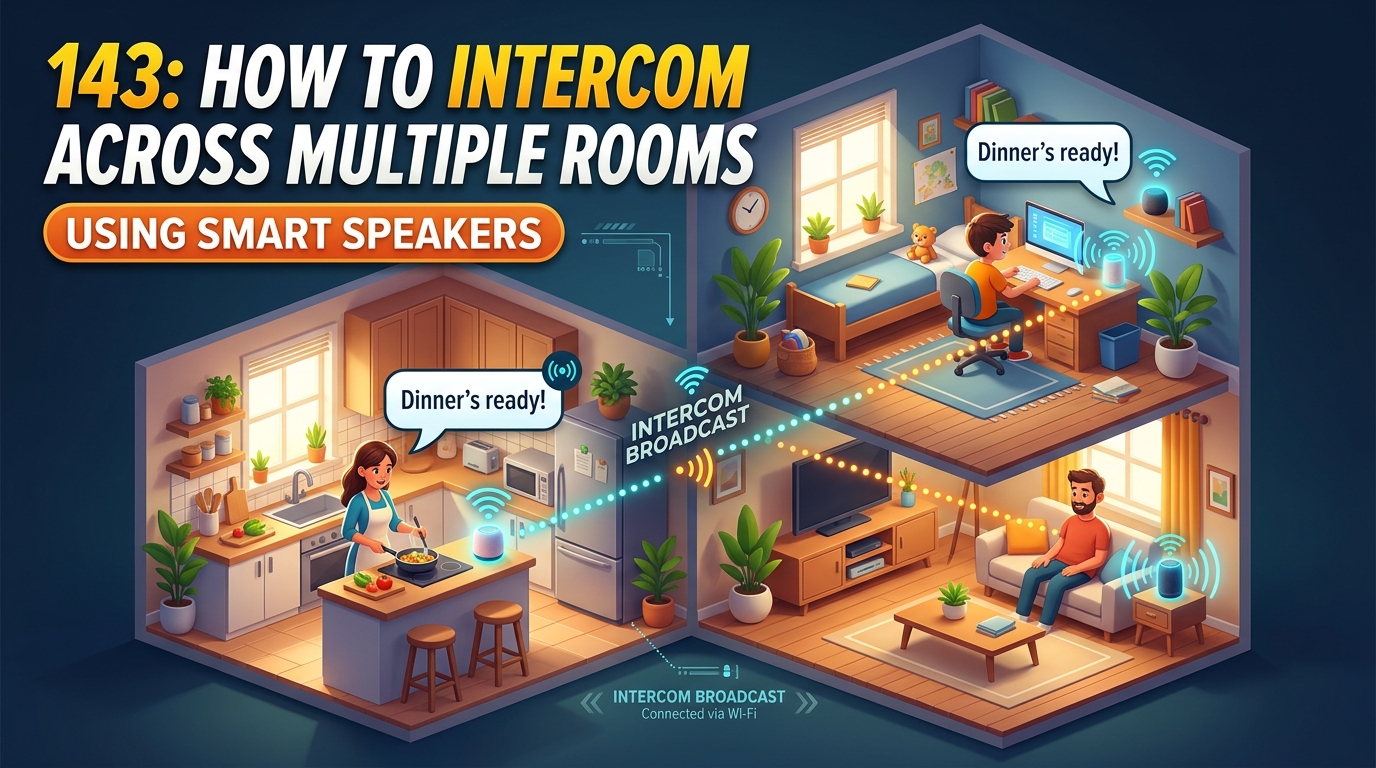
Learn how to effortlessly communicate across multiple rooms using smart speakers with this easy-to-follow guide. Say goodbye to shouting or running around the house – discover the convenience and efficiency of intercom systems powered by modern technology.
Setting up Smart Speakers
Setting up smart speakers in your home is a relatively straightforward process that can greatly enhance your daily life. Start by choosing a suitable location for your smart speaker, ensuring it is within range of your Wi-Fi network for optimal performance. Next, plug in the speaker and follow the manufacturer’s instructions to connect it to your home network via the accompanying app. Once connected, you can personalize your smart speaker settings, such as language preferences, voice recognition, and music services integration.
Connecting to Virtual Assistants
Most smart speakers come equipped with virtual assistants like Alexa, Google Assistant, or Siri. These assistants enable you to control your smart speaker with voice commands, set reminders, play music, and even control other smart devices in your home. To maximize the functionality of your smart speaker, link it to your preferred virtual assistant and explore the wide range of capabilities it offers.
Connecting Multiple Rooms
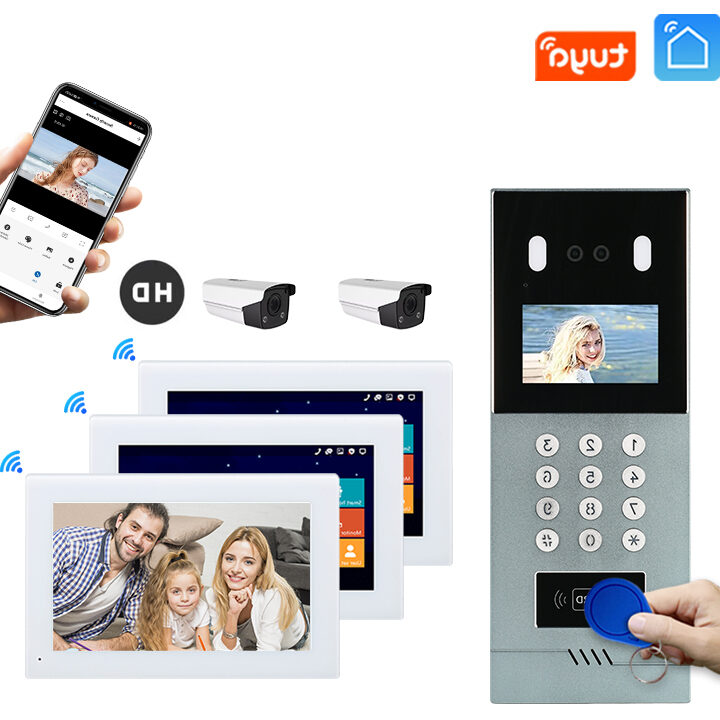
Setting up a multi-room intercom system in your home or office can greatly enhance communication and convenience. To connect multiple rooms, you will first need to ensure that each room has a compatible intercom device installed. These devices should be connected to the same network to enable seamless communication between rooms. You can typically achieve this by setting up a central hub or using a Wi-Fi connection to link the devices.
Once the devices are in place, you may need to configure them to recognize and communicate with each other. This involves assigning unique identifiers to each device and setting up communication channels between them. Additionally, you may want to consider setting up group communication features to broadcast messages to multiple rooms simultaneously. By connecting multiple rooms in your intercom system, you can streamline communication, improve coordination, and enhance overall efficiency within your space.
Configuring Intercom Features
Setting up intercom features: Configuring intercom features on your smart speaker system can greatly enhance communication within your home or office. To begin, access the settings menu on your smart speaker device and locate the intercom settings. From there, you can enable the intercom feature and customize settings such as volume levels, notification sounds, and privacy settings.
Creating intercom groups: One useful feature of intercom systems is the ability to create groups for targeted communication. You can create groups based on rooms, individuals, or specific purposes. This allows you to easily communicate with a select group of people without disturbing others. To set up intercom groups, navigate to the group settings in the intercom menu and follow the prompts to create and manage your groups effectively.
Troubleshooting Common Issues
Intercom Not Working: If your intercom system is not working, start by checking the power source and connections. Ensure that all devices are properly plugged in and turned on. Next, verify that the intercom system is set to the correct channel or frequency for communication. If the issue persists, try resetting the system or contacting technical support for further assistance.
Poor Sound Quality: Poor sound quality during intercom communication can be caused by various factors. Check the volume settings on all devices involved in the communication. Additionally, interference from other electronic devices or physical obstructions can affect sound quality. Try adjusting the positioning of devices or relocating them to improve communication clarity. If sound quality issues persist, consider upgrading your intercom system or consulting with a professional for recommendations.
Tips for Effective Intercom Communication
Utilize Clear and Concise Communication: When using the intercom feature on your smart speakers, it’s crucial to speak clearly and concisely. Avoid using ambiguous or lengthy messages that may lead to misinterpretation. Keep your communications short and to the point to ensure that the intended message is understood by all recipients.
Establish Communication Protocols: To streamline intercom communication in a multi-room setup, establish clear communication protocols. Assign specific phrases or codes for different types of messages to convey information efficiently. This can help in avoiding confusion and ensuring that messages are relayed accurately and promptly throughout the interconnected rooms.
Smart speakers have revolutionized the way we communicate within our homes and have made intercom systems more accessible and user-friendly. Through this guide, we have explored the various aspects of setting up and using smart speakers for intercom communication.
By following the steps outlined in this guide, users can easily configure their smart speakers to create a seamless intercom network throughout their homes. Additionally, troubleshooting tips provided can help users resolve common issues that may arise during the setup process.