
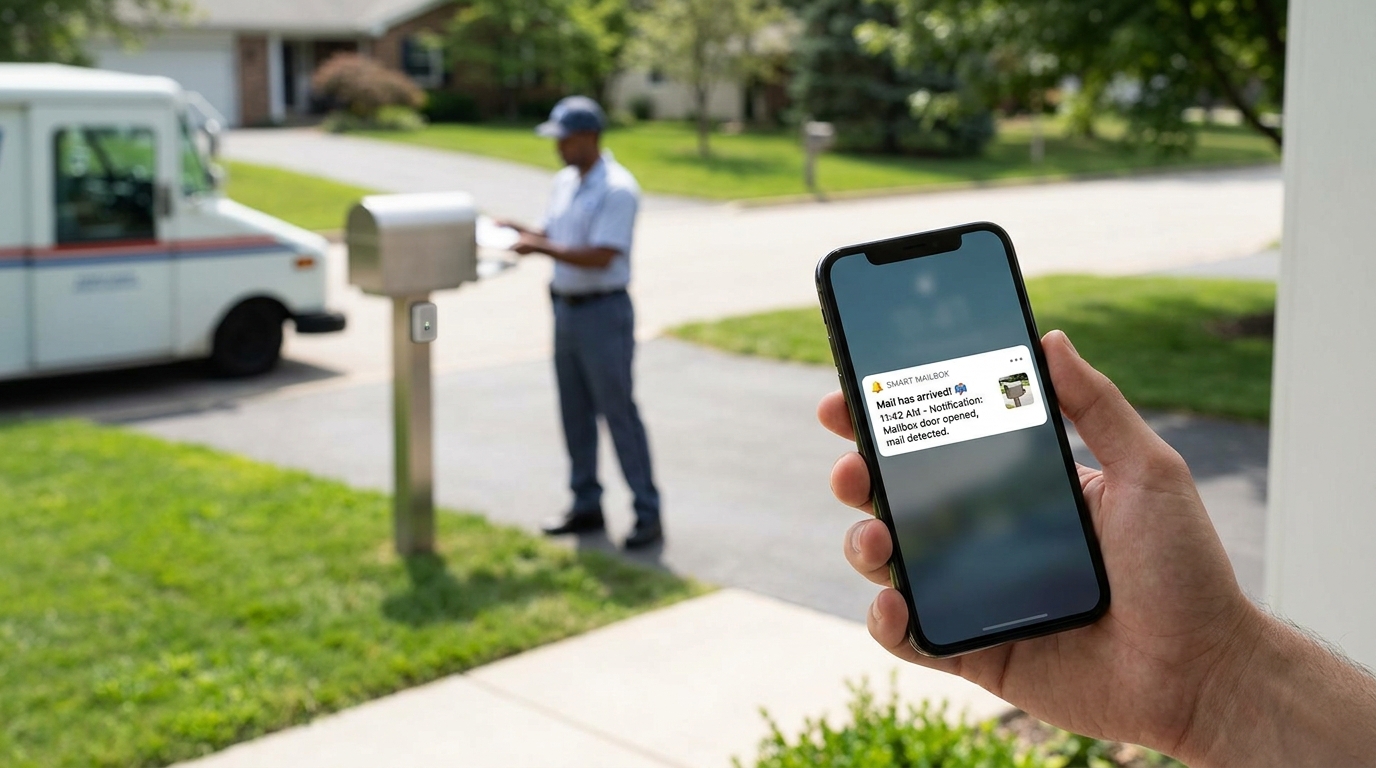
Introducing Smart Mailbox Automation: a revolutionary way to stay informed about your mail delivery. Imagine never having to wonder when your mail has arrived – with this innovative system, you’ll receive real-time notifications as soon as your mailbox is opened. Say goodbye to constantly checking for mail and hello to a more efficient and convenient way of managing your mail. Keep reading to discover how this cutting-edge technology can simplify your daily routine.
Benefits of Smart Mailbox Automation
Convenience: One of the key benefits of smart mailbox automation is the convenience it offers. By automating the process of receiving and managing mail, you can save time and effort by not having to physically check your mailbox every day. With smart mailbox systems, you can receive alerts and notifications on your smartphone whenever mail is delivered, ensuring that you never miss an important delivery.
Security: Smart mailbox systems provide an added layer of security for your mail. By using features such as password-protected access and real-time monitoring, you can ensure that your mail is safe and secure until you retrieve it. Additionally, some smart mailboxes offer features like package detection and video surveillance, giving you peace of mind knowing that your deliveries are protected from theft or damage.
Setting Up Your Smart Mailbox System
Preparing Your Mailbox: Before setting up your smart mailbox system, ensure that your physical mailbox is in good condition and accessible for installation. Remove any existing mail or debris, and make sure the mailbox is securely attached to its post or stand.
Installing Sensors and Connectivity: Begin by installing the necessary sensors and connectivity devices according to the manufacturer’s instructions. This may involve placing sensors inside the mailbox to detect mail arrival, setting up a Wi-Fi or Bluetooth connection for communication, and configuring any accompanying mobile apps or software for monitoring.
Calibrating and Testing: After installation, calibrate the sensors and test the system to ensure proper functionality. Adjust sensor sensitivity, connectivity range, and notification settings as needed to optimize performance. Conduct thorough testing by sending test mail and packages to confirm that the system accurately detects and notifies you of incoming items.
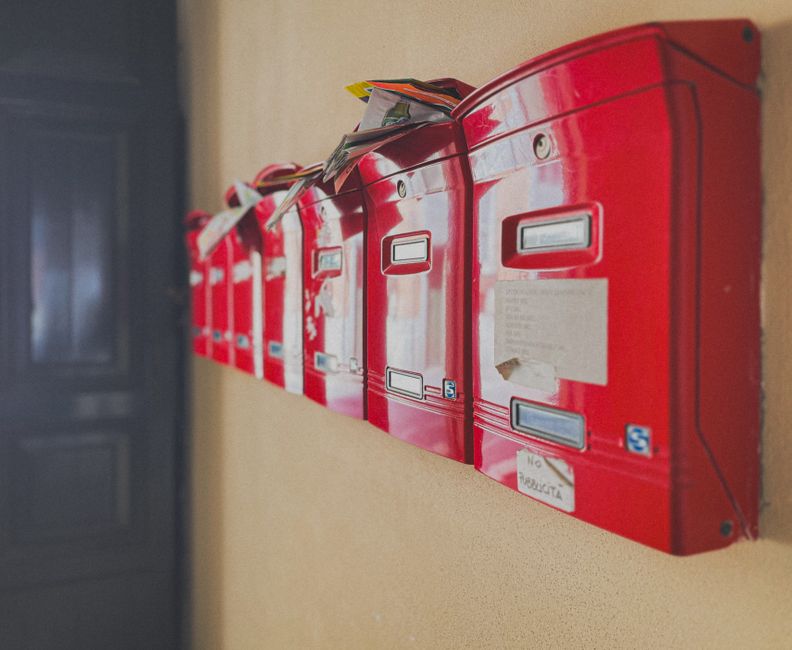
Choosing the Right Smart Mailbox Device
Consider Your Needs: When selecting a smart mailbox device, it is essential to consider your specific needs and requirements. Evaluate factors such as the size of your mailbox, the volume of mail you receive, and any additional features you may want, such as package delivery notifications or weather resistance. Understanding your needs will help you choose a device that best suits your mailbox usage.
Research Different Options: Take the time to research and compare different smart mailbox devices available in the market. Look for devices that offer reliable connectivity, compatibility with your smartphone or home automation system, and good customer reviews. Consider the cost, installation process, and ongoing maintenance requirements of each device to make an informed decision. Reading product specifications and user experiences can help you narrow down your choices and find the right smart mailbox device for your home.
Tips for Maximizing the Efficiency of Your Smart Mailbox
Organize Incoming Mail: Designate specific areas within your smart mailbox for different types of mail, such as bills, letters, packages, and junk mail. This will help you quickly locate important items and reduce clutter.
Set Up Notifications: Take advantage of the notification features of your smart mailbox system. Configure alerts for when new mail arrives, packages are delivered, or if there are any issues with your mailbox, ensuring you stay informed in real-time.
Regular Maintenance: Keep your smart mailbox system in optimal condition by regularly cleaning and inspecting it for any signs of wear and tear. Replace batteries, update software, and ensure proper connectivity to avoid any disruptions in service.
Customize Settings: Tailor the settings of your smart mailbox to suit your preferences. Adjust notification frequencies, security levels, and access controls to enhance the functionality and security of your mailbox system.
Troubleshooting Common Issues
Intermittent Connectivity: One common issue with smart mailboxes is intermittent connectivity with the Wi-Fi network. This can lead to delays in receiving notifications or commands not being executed properly. To troubleshoot this issue, ensure that your mailbox is within the range of a strong Wi-Fi signal. You may also consider resetting your mailbox device and reconfiguring the Wi-Fi connection to resolve connectivity issues.
Notification Errors: Another common issue users face is receiving incorrect or delayed notifications from their smart mailbox system. To address this problem, check the notification settings on your mailbox device and ensure that they are configured correctly. Additionally, make sure that the accompanying mobile app is up to date and properly synced with the device to receive real-time notifications without any errors.
Summary: In conclusion, smart mailbox automation offers numerous benefits such as convenience, security, and efficiency. By setting up a smart mailbox system and choosing the right device, you can streamline your mail and package deliveries while enhancing the overall experience for both yourself and mail carriers.
Final Thoughts: As you strive to maximize the efficiency of your smart mailbox, remember to implement the tips provided and troubleshoot any common issues that may arise. With proper maintenance and utilization, your smart mailbox system can significantly improve your daily routine and simplify the process of receiving mail and packages. Embrace the convenience and security that smart mailbox automation provides, and enjoy a more seamless and organized mailbox experience.