
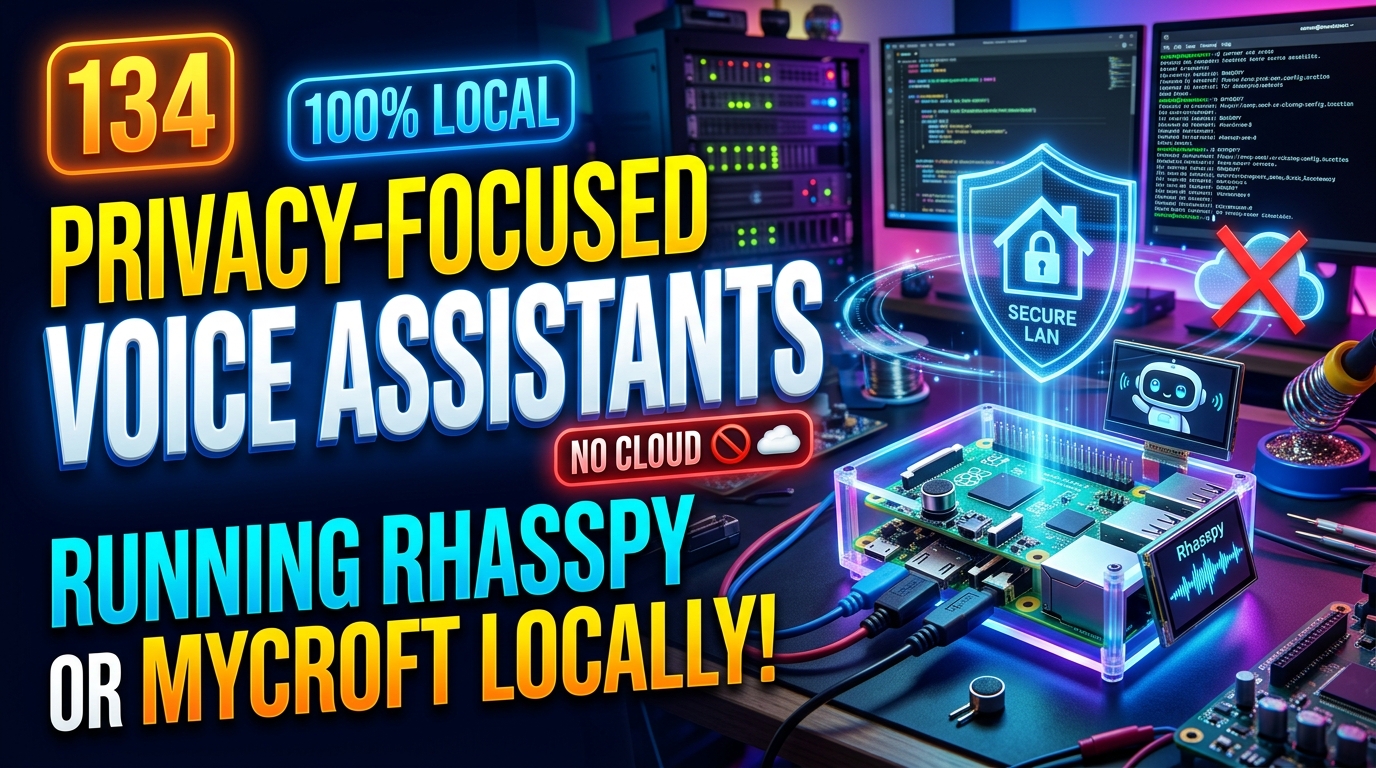
Privacy-focused voice assistants offer a new and exciting way to interact with technology while keeping your personal data secure. Have you ever considered running Rhasspy or Mycroft locally to enhance your privacy and control over your virtual assistant? In this post, we will explore the benefits of using privacy-focused voice assistants and how you can set up Rhasspy or Mycroft on your own device.
Privacy Concerns with Voice Assistants
Voice assistants have raised significant privacy concerns due to the potential for always-on listening, data collection, and sharing of sensitive information. Users may feel uneasy knowing that their conversations and interactions are constantly being recorded and analyzed by technology companies.
There have been instances of voice assistants unintentionally activating and recording private conversations, leading to worries about unauthorized access to personal data. Additionally, concerns exist regarding the security of stored voice data and the potential for it to be misused or exploited.
Rhasspy: A Privacy-Focused Voice Assistant
Rhasspy is an open-source, privacy-focused voice assistant that prioritizes user data security and privacy. Unlike commercial voice assistants that rely on cloud services for processing user commands, Rhasspy can be set up to run entirely on a local server or device, ensuring that sensitive data never leaves the user’s control. This decentralized approach to voice recognition and natural language processing gives users greater peace of mind regarding the confidentiality of their interactions with the assistant.
With Rhasspy, users have the flexibility to customize and fine-tune the assistant’s capabilities according to their specific needs without compromising their privacy. By leveraging open-source technologies and adhering to strict data protection principles, Rhasspy offers a transparent and trustworthy alternative to mainstream voice assistants, empowering users to interact with technology in a secure and private manner.
Setting up Rhasspy on Local Server
Installing Rhasspy on a local server allows users to have full control over their voice assistant data and privacy. Setting up Rhasspy involves downloading the software package from the official website and following the step-by-step installation instructions provided. Users can configure Rhasspy to work with their preferred wake word, language, and speech-to-text engine.
Once Rhasspy is up and running on the local server, users can customize their voice assistant settings, such as adding custom voice commands, integrating with home automation systems, and adjusting the sensitivity of the wake word detection. By hosting Rhasspy locally, users can ensure that their voice data stays private and secure, as it is not sent to external servers for processing.
Mycroft: Another Privacy-Focused Voice Assistant
Mycroft is another privacy-focused voice assistant that prioritizes user data protection and privacy. Developed as an open-source project, Mycroft puts a strong emphasis on allowing users to have full control over their data and the interactions with the assistant. Mycroft is designed to be customizable and adaptable to different user needs, offering a range of features and integrations to enhance the user experience.
One of the key features of Mycroft is its ability to run entirely offline, providing users with the option to use the voice assistant without the need for constant internet connectivity. This offline functionality enhances privacy by minimizing data collection and potential exposure of personal information. Additionally, Mycroft’s open-source nature allows users to inspect and modify the code, ensuring transparency and security in the voice assistant’s operations.
Installing Mycroft on Local Machine
Installation Process: Installing Mycroft on a local machine involves downloading the Mycroft software package and setting it up to run on your system. First, download the Mycroft software from the official website or GitHub repository. Then, follow the installation instructions provided in the documentation. This typically involves running a setup script or using package manager commands to install the necessary dependencies.
Configuration and Setup: Once Mycroft is installed, you will need to configure it to personalize your experience and enable specific features. This may include setting up wake words, connecting to external services like calendars or music streaming platforms, and customizing preferences such as language settings or voice responses. Refer to the Mycroft documentation for detailed instructions on how to configure and set up your Mycroft installation according to your preferences.
In conclusion, privacy concerns surrounding voice assistants are a significant issue that users should be mindful of when choosing a voice assistant for their smart devices. With the increasing integration of voice technology into daily life, it is crucial to prioritize privacy and security to protect sensitive personal information.
Both Rhasspy and Mycroft offer privacy-focused alternatives to mainstream voice assistants, providing users with more control over their data and enhancing their overall privacy. By setting up Rhasspy or Mycroft on a local server or machine, users can enjoy the convenience of voice assistance without compromising their privacy.