

Learn how to harness the power of RSS feeds to receive real-time alerts on your smart displays! By following a few simple steps, you can stay informed and up-to-date with the latest news, updates, and notifications right at your fingertips. Say goodbye to constantly checking multiple sources and let your smart display do the work for you. Keep reading to unlock the full potential of RSS feeds and take your information consumption to the next level.
Benefits of Using RSS Feeds
RSS feeds offer several benefits for users looking to stay updated with their favorite websites and content:
Time-saving: By subscribing to RSS feeds, users can access all their favorite content in one place without the need to visit multiple websites individually. This saves time and effort in keeping up to date with the latest information.
Personalization: RSS feeds allow users to customize their content consumption by choosing specific feeds to subscribe to. This ensures that they only receive updates on topics that interest them, creating a more tailored browsing experience.
Real-time updates: RSS feeds provide instant notifications when new content is published, allowing users to be among the first to access breaking news, blog posts, or any other updates from their preferred sources.
Setting Up RSS Feeds for Smart Displays
Connecting RSS Feeds: Setting up RSS feeds for smart displays involves linking the display device to an RSS feed source. This connection allows the smart display to pull content from the specified feed and display it in a user-friendly format. To set up RSS feeds, users typically need to access the settings or preferences menu on the smart display device and enter the URL or feed name of the desired RSS feed source.
Configuring Display Options: Once the RSS feed is connected, users may have the option to configure display settings such as update frequency, layout design, and content filtering. These settings help customize the display of RSS feed content on the smart display according to the user’s preferences. By adjusting these options, users can ensure that the displayed content is relevant, visually appealing, and up-to-date.
Displaying Alerts from RSS Feeds
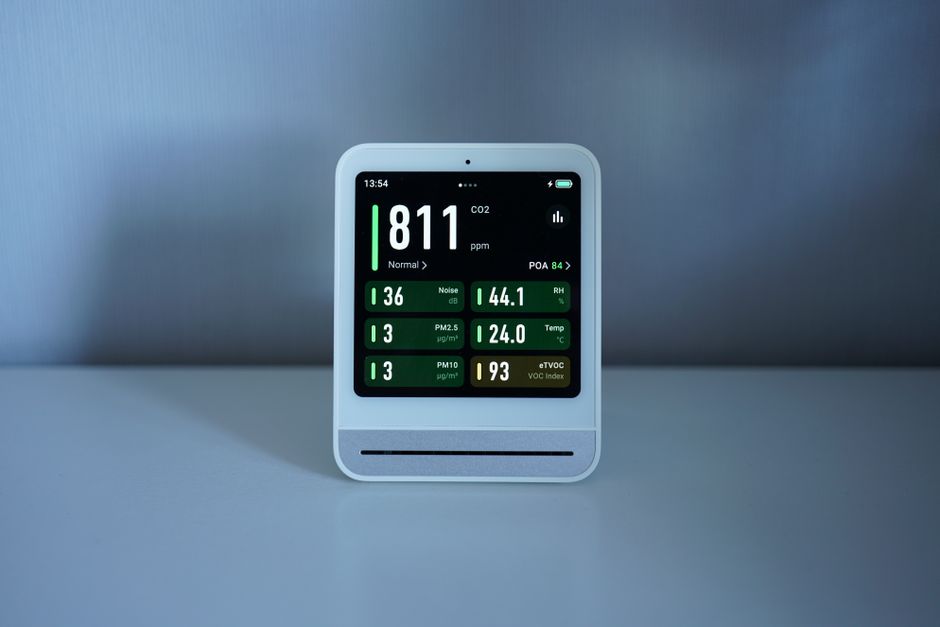
Displaying Alerts: RSS feeds can be a valuable source of real-time information, including alerts and notifications. By setting up an RSS feed reader or aggregator, users can receive alerts on various topics of interest, such as news updates, weather forecasts, stock market changes, and more. These alerts can be displayed in a ticker format, pop-up notifications, or integrated into a dashboard for easy viewing.
Customizing Alerts: Users can customize the display of alerts from RSS feeds based on their preferences and needs. This customization may include setting up filters to receive alerts only for specific keywords or topics, adjusting the frequency of alerts, choosing the display format, and selecting the visual design of the alerts. By tailoring the alert settings, users can ensure they receive relevant and timely information that enhances their overall experience with RSS feeds.
Customizing RSS Feed Alerts
Customizing RSS feed alerts allows users to personalize their notification preferences according to their specific needs and preferences. By customizing alerts, users can choose which types of content they want to receive notifications for, set the frequency of alerts, and select the delivery method. This level of customization enables users to stay informed about the most relevant and important information without being overwhelmed by unnecessary updates.
One key aspect of customizing RSS feed alerts is the ability to filter content based on keywords or categories. Users can set up alerts to only receive notifications for articles or updates that match certain criteria, ensuring that they are only notified about information that is of interest to them. Additionally, users can adjust the frequency of alerts to receive updates in real-time, daily, or weekly summaries, depending on their preferences. Customizing RSS feed alerts empowers users to tailor their notification experience to suit their individual preferences and needs.
Troubleshooting RSS Feed Display Issues
Common Problems: When encountering issues with displaying RSS feeds, it is important to first check the URL of the feed to ensure it is correct and accessible. Verify that the feed is still active and regularly updated to avoid potential connectivity problems. Additionally, ensure that the device or software being used to display the feed is compatible with the feed format.
Browser Compatibility: Another common issue with RSS feed display is browser compatibility. Some browsers may not support certain feed formats or may require plugins to properly display the content. It is recommended to test the feed display on multiple browsers to identify any compatibility issues and make necessary adjustments.
Conclusion and Additional Resources
Conclusion: In conclusion, utilizing RSS feeds for smart displays can greatly enhance the user experience by providing real-time updates and relevant information. By setting up and customizing RSS feed alerts, users can stay informed about their preferred topics and receive notifications directly on their smart displays. Despite potential display issues, troubleshooting techniques can help resolve any issues that may arise.
Additional Resources: For further information on RSS feeds and smart displays, there are numerous resources available online. Websites such as RSS.com, Feedly, and TechCrunch provide valuable insights and guides on how to optimize RSS feeds for different platforms. Additionally, online forums and communities like Reddit and Stack Exchange can be helpful for troubleshooting specific issues and seeking advice from experienced users. Keeping up-to-date with the latest trends and developments in RSS feed technology can ensure users get the most out of their smart display experience.